
05 Session-bound AI
The assistant belongs to a session—not the whole app.
Context is useful only when its origin stays visible. Palshell holds the target steady from question to evidence to proposed action.
01 Context path
Four handoffs. One visible destination.
- 01Capture the session
The terminal, API, or portal identity is fixed when you send the request.
- 02Bound the context
Recent and selected context is limited, stripped of control sequences, and filtered locally for common secret patterns.
- 03Use your provider
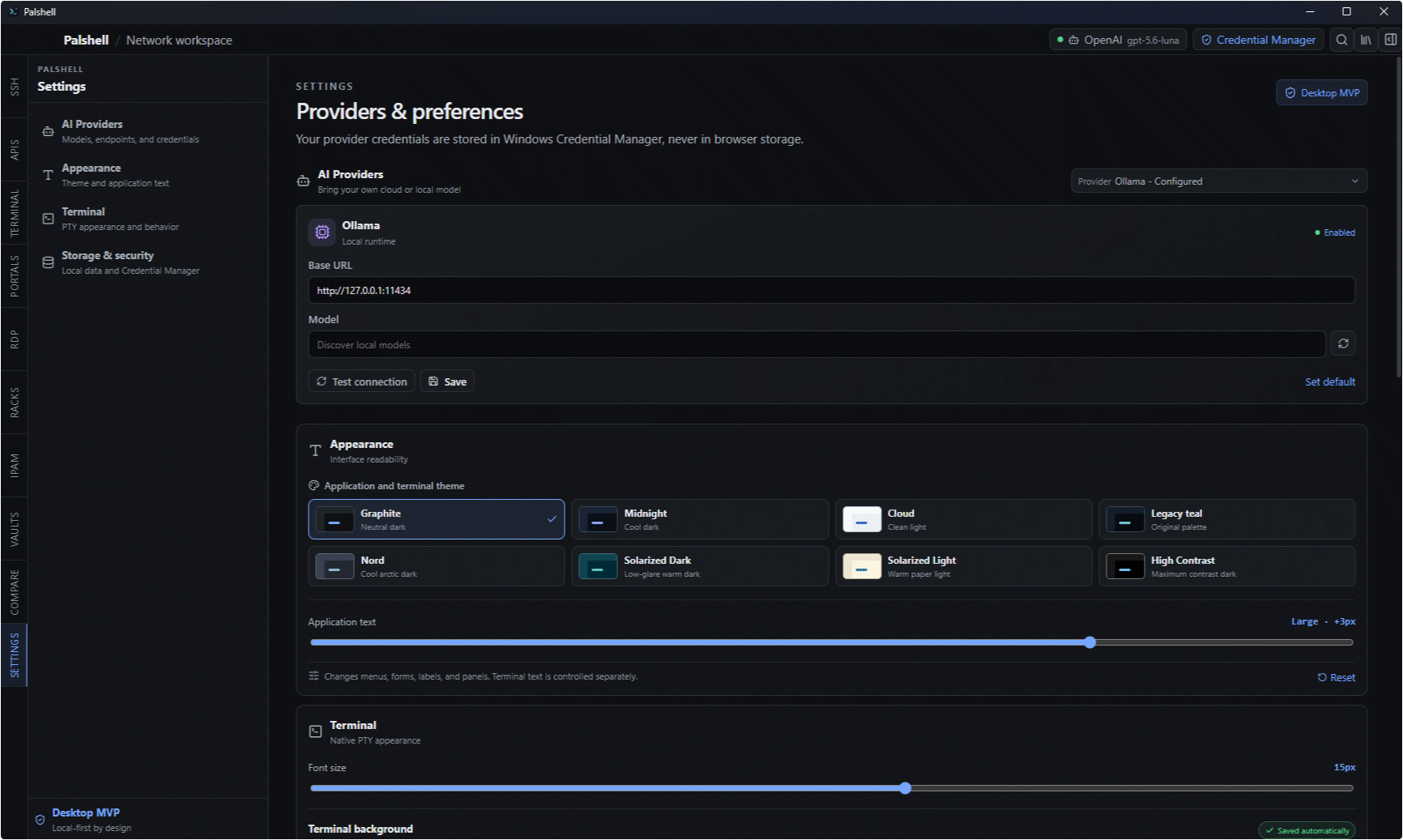
The request goes to the OpenAI, Anthropic, Ollama, compatible, or supported Microsoft destination you configured.
- 04Review the action
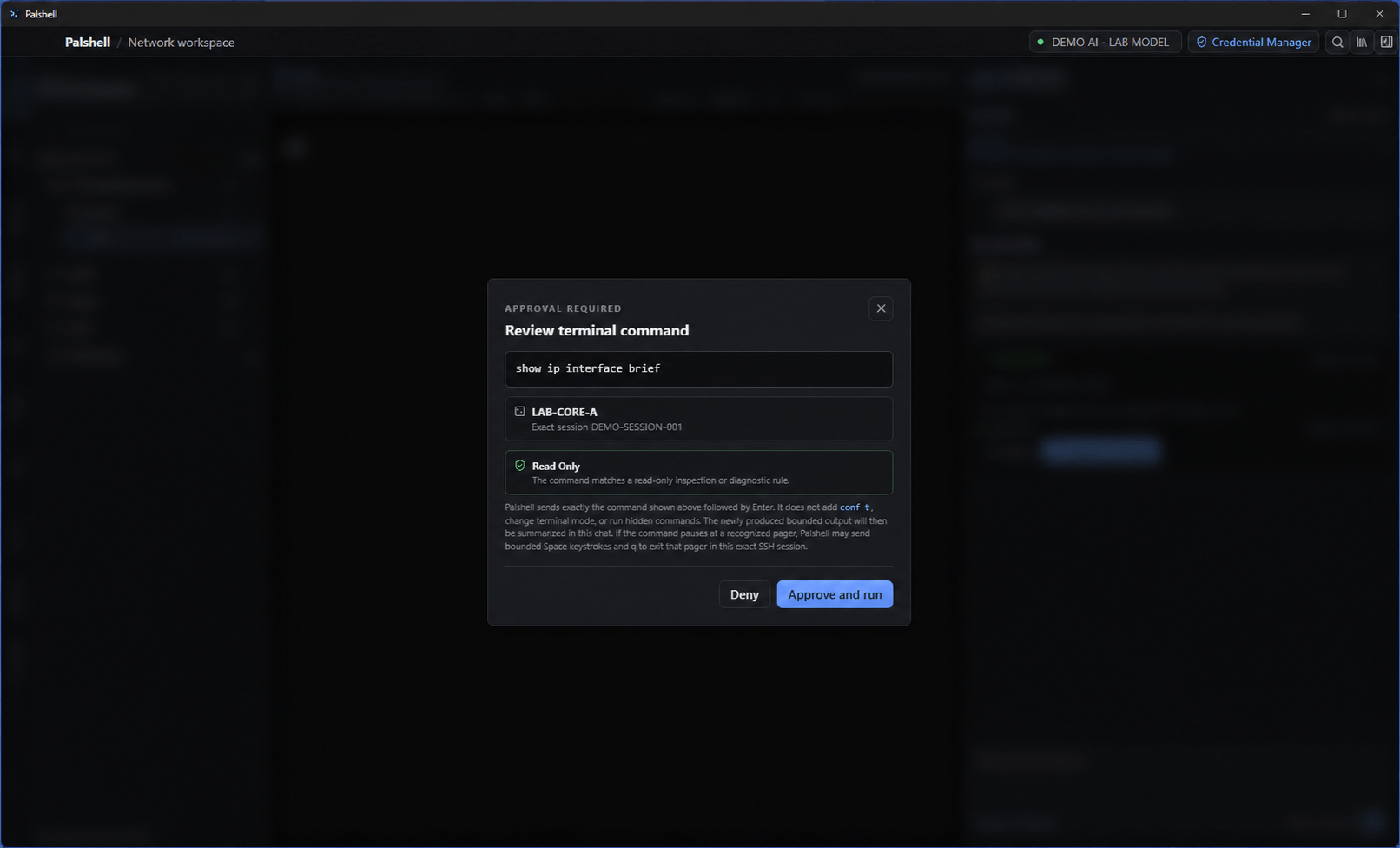
Any terminal proposal shows the exact command, reason, classification, and target before input is sent.
“Is it up?” is not answered from memory.
When a terminal answer depends on live state, Palshell asks for evidence from the bound session or proposes a diagnostic command for review. It does not turn a guess into a confident answer.
- Bounded recent output
- Selected evidence when provided
- Clarification when the target is ambiguous
- Stronger confirmation for disruptive work