
Requests keep their endpoint.
Method, URL, headers, body, response, history, and AI context stay attached to one controller-pinned API session.
Desktop network workspace · active validation
Desktop release coming soon03 Connections
Open the tool the work needs, then preserve its destination, lifecycle, and assistant context from first command to final close.
01 Connection workflow
Organize devices, folders, authentication profiles, tags, and appearance without putting secret values in ordinary records.
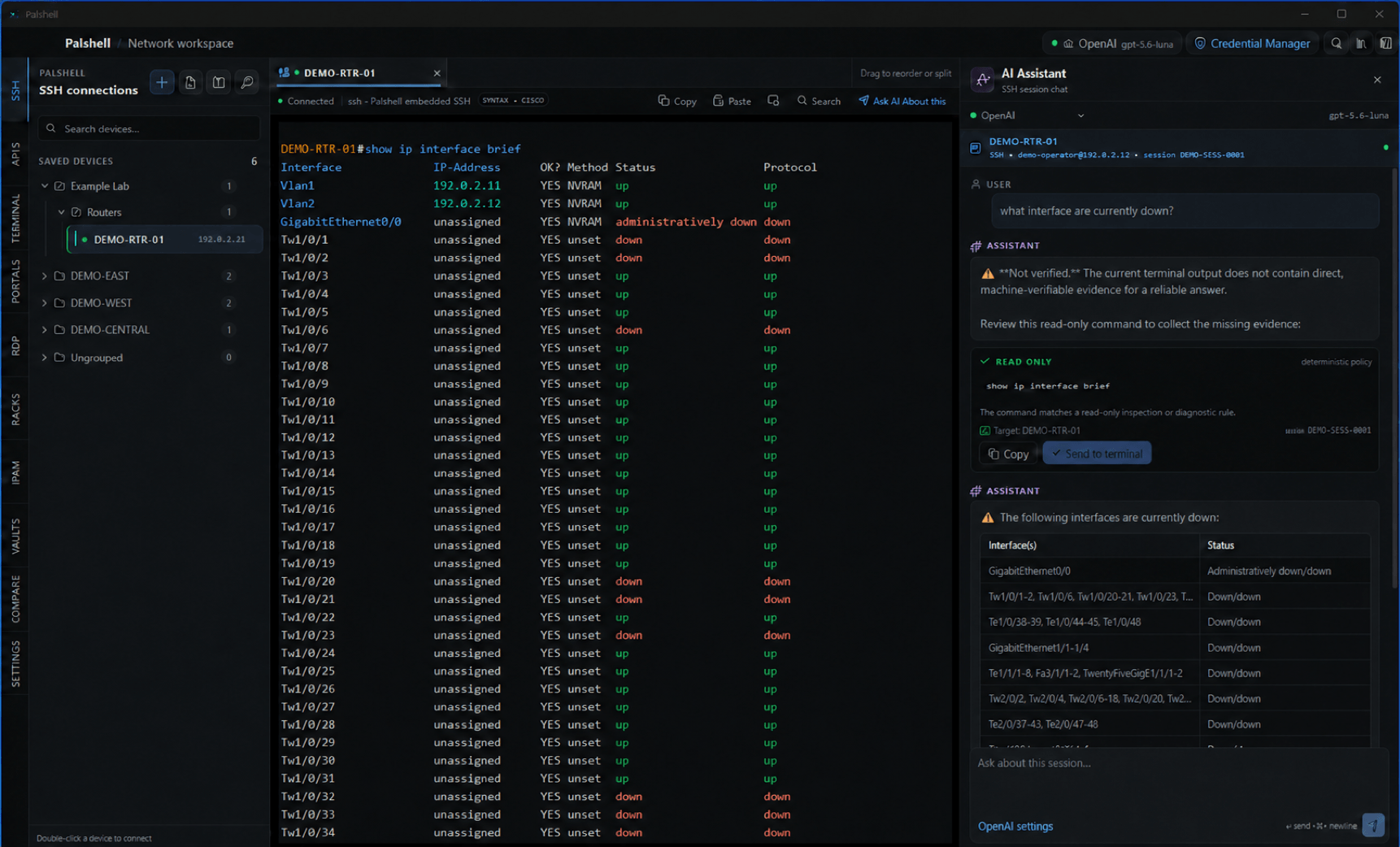
Use embedded SSH for network devices or the platform-native PTY and shell for local terminal work.
Reorder tabs, split exact SSH sessions, or detach a live SSH session into its own window.
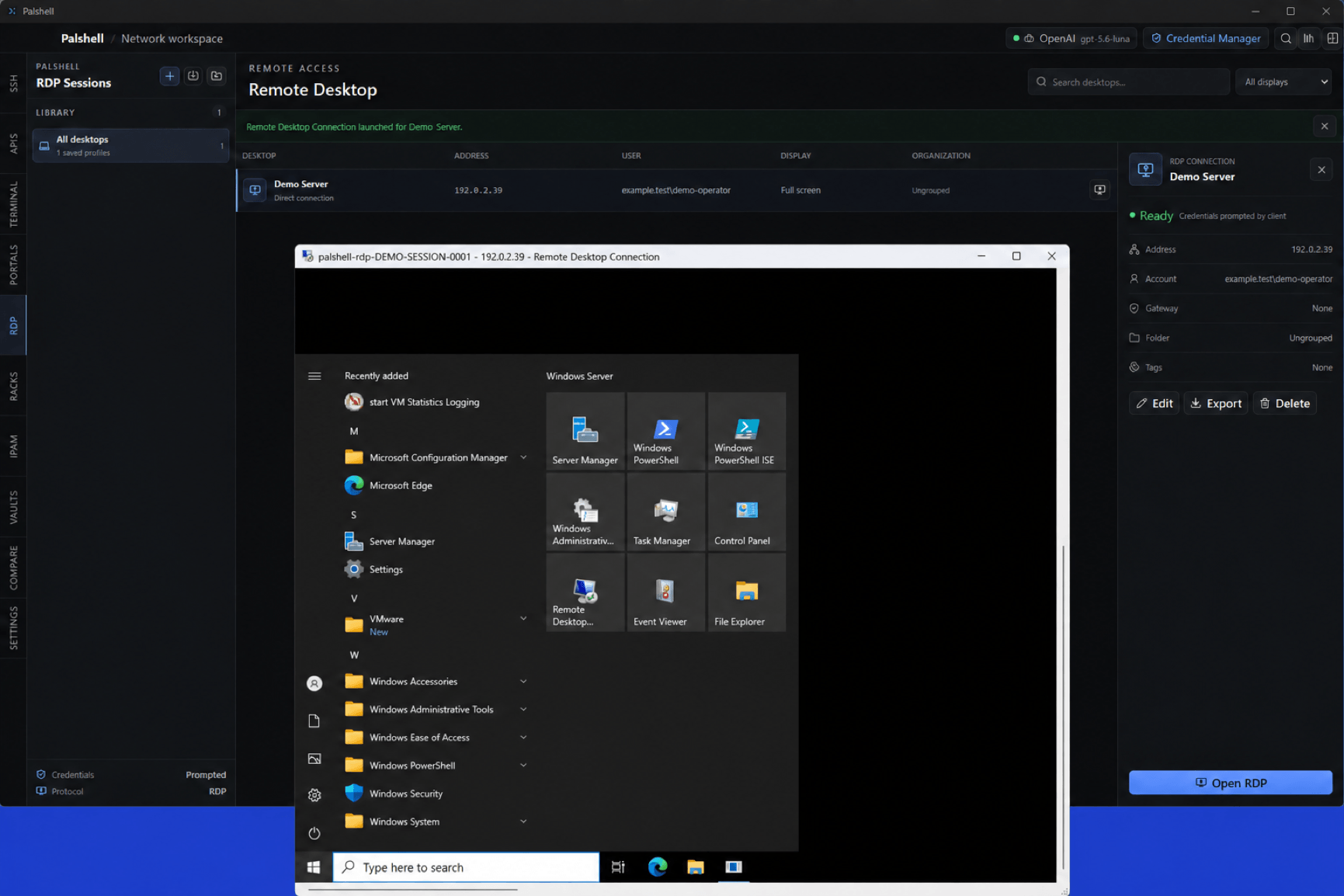
Controller APIs, native portal webviews, and OS-launched RDP profiles keep their own purpose and state.
The assistant remains bound to the session captured at send time—even when you move elsewhere.
02 Beyond the terminal
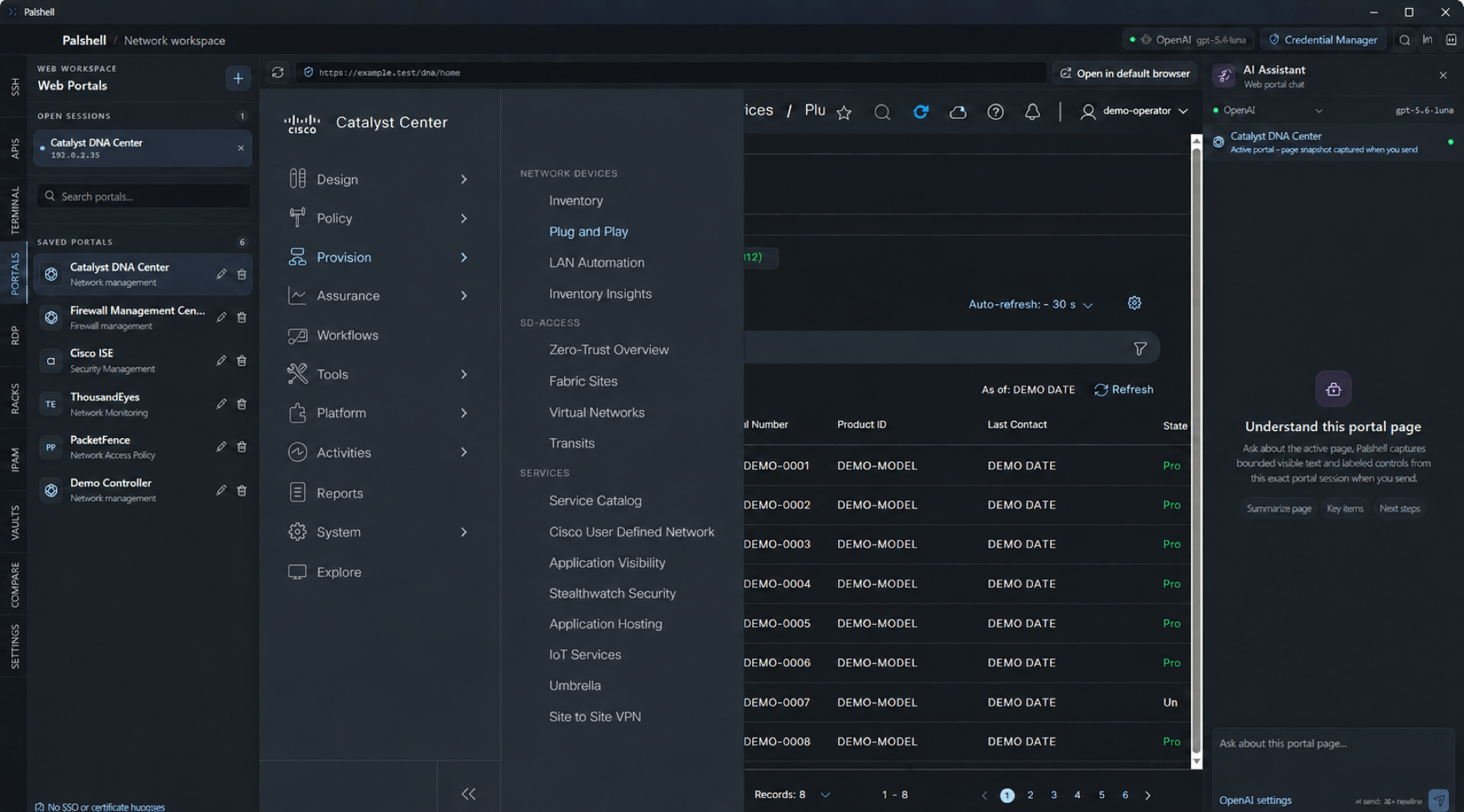
Remote management pages run in isolated child webviews. Portal cookies and storage are not copied into API authentication or terminal context.
Method, URL, headers, body, response, history, and AI context stay attached to one controller-pinned API session.
Palshell stores credential-free profile metadata and launches the operating system client, where OS policy remains authoritative.