

Devices, folders, authentication profiles, controller records, portals, remote desktop profiles, inventory records, racks, sites, and saved views.
02 Product
One workspace.Distinct contexts.
Saved work on the left. The exact session or canvas in the center. An assistant that belongs to that context on the right.
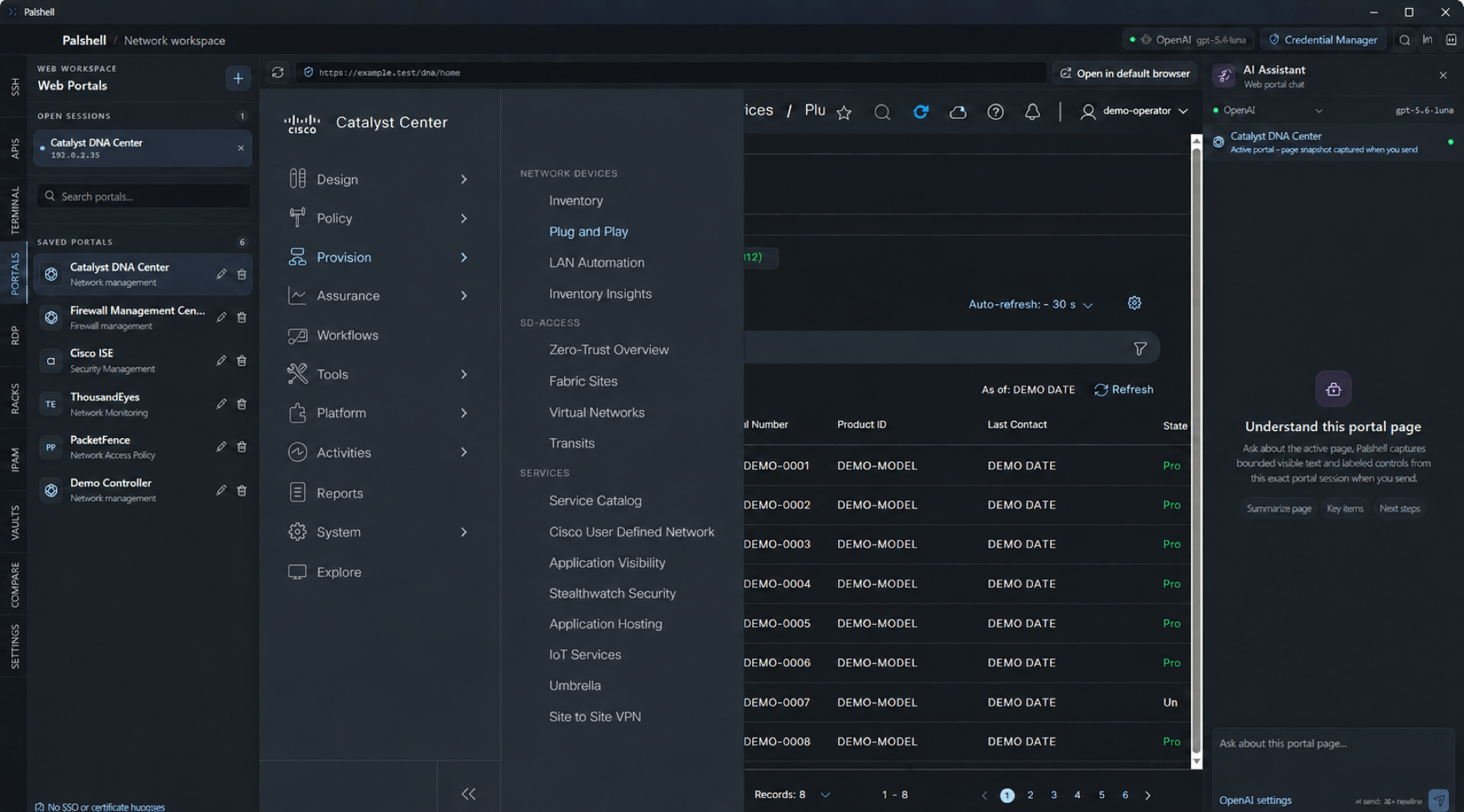
01 Workspace anatomy
The same frame. Three different responsibilities.
A terminal, API request, portal, inventory, comparison, rack, topology, map, or IPAM canvas owns its state and lifecycle.
The session captured when a request starts remains the session used for context, evidence, and any proposed action.
02 Choose a path
Live work and documented work deserve different surfaces.
Palshell keeps them close without collapsing them into one generic dashboard.
01 / LIVE SESSIONS
Connections & live sessions
Saved devices, embedded SSH, local terminals, controller APIs, portals, and OS-launched remote desktop.
Follow the live-work path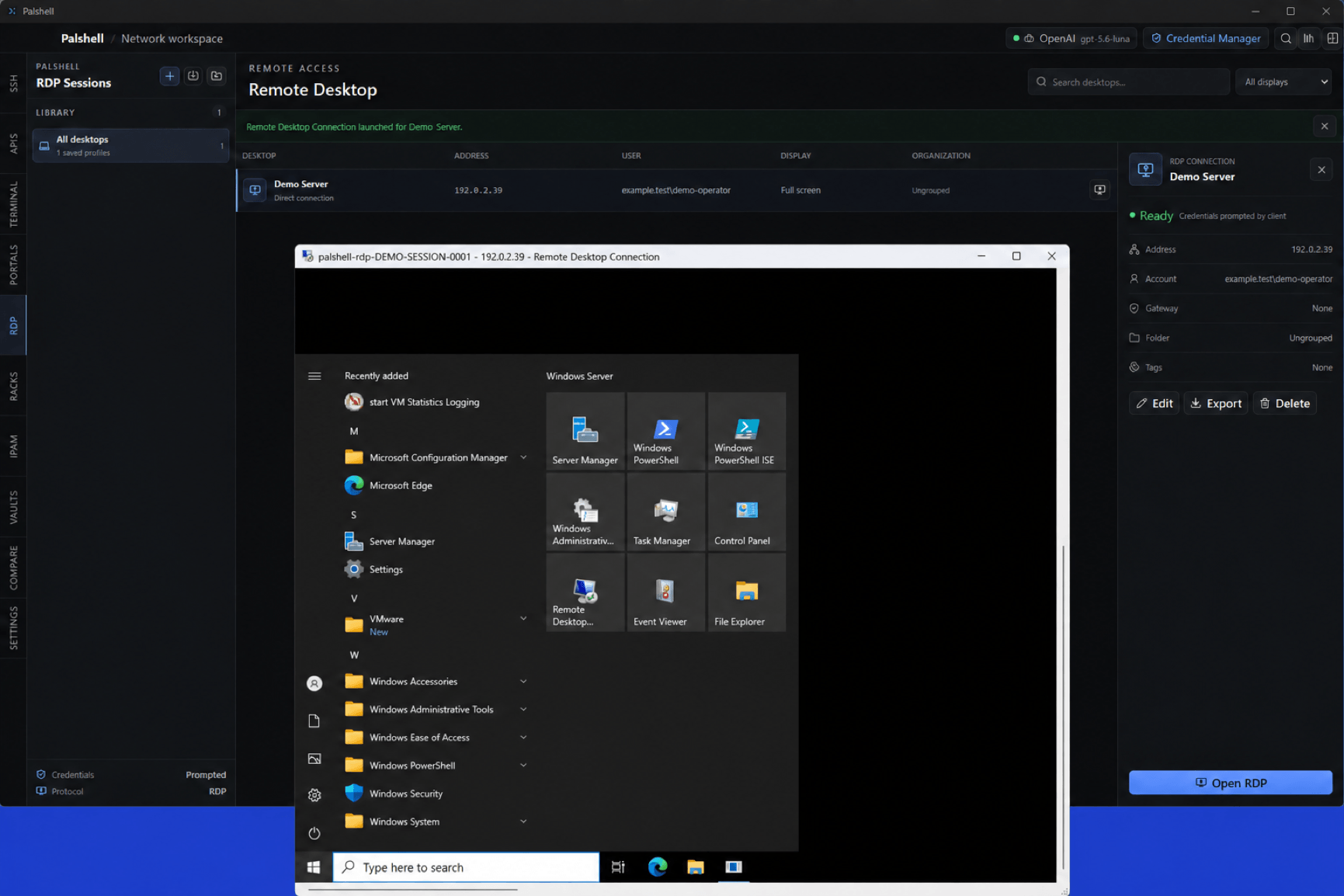
02 / DOCUMENTATION
Network workspaces
Inventory, rack documentation, exact-port cabling, topology, maps, IPAM, and configuration comparison.
Follow the network-workspace path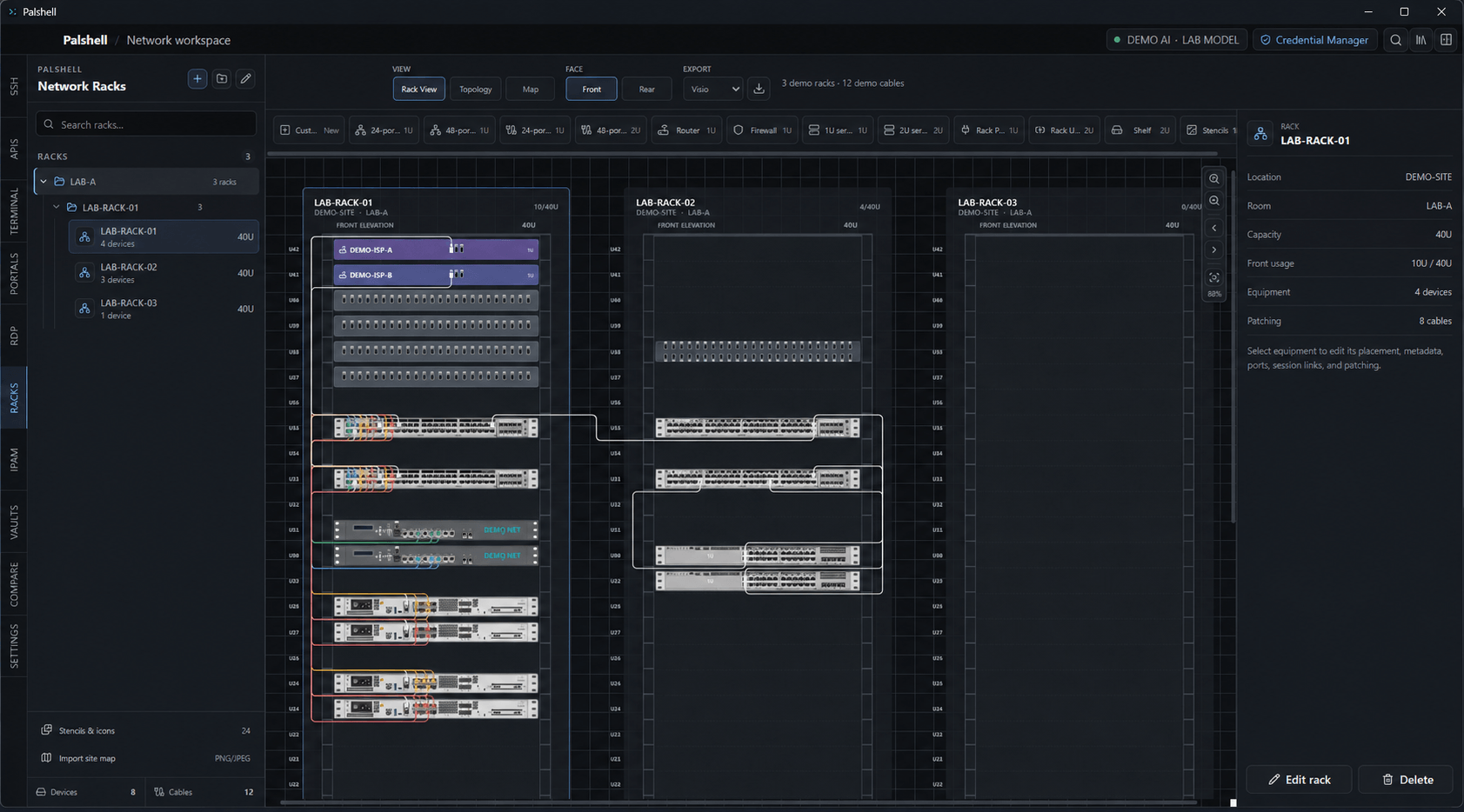
Search
Find saved work across the local workspace.
Appearance
Application and terminal themes with network-aware syntax color.
Transfer
Move selected non-secret metadata through a reviewed local file.